Features List
This section provides an overview of FireFly features for both Autotests and Scripts, along with code examples and report integration.
🧪 Auto Test Features
Stages
Each test can consist of the following stages (all optional):
Group Setup – executed once for all tests in a class.
Use this for shared resources like DB connections or sessions (non-stateful).Setup – executed before each test iteration.
Call – the actual test iteration.
Teardown – executed after each iteration, regardless of the result.
Group Teardown – executed after all iterations are complete.
Example:
class StagesExample(TestAbs):
    all_tests_in_class_shared_resource: str | None = None

    def __init__(self):
        self.one_test_iteration_resource: str | None = None

    @classmethod
    async def group_setup(cls):
        cls.all_tests_in_class_shared_resource = "Shared setup"

    async def setup(self, **test_params):
        self.one_test_iteration_resource = "Iteration setup"

    @params([
        dict(iteration_name="First iteration"),
        dict(iteration_name="Second iteration"),
    ])
    async def test_example(self):
        print(self.all_tests_in_class_shared_resource)
        print(self.one_test_iteration_resource)

    async def teardown(self, **test_params):
        self.one_test_iteration_resource = None

    @classmethod
    async def group_teardown(cls):
        cls.all_tests_in_class_shared_resource = None

Iterations
Each test must define at least one iteration using the @params decorator.
@params([
    dict(iteration_name="First iteration"),
    dict(iteration_name="Second iteration"),
])
async def test_example(self):
    pass
You can also pass parameters:
@params([
    dict(iteration_name="First", a=1, b="b"),
    dict(iteration_name="Second", a=2),
])
async def test_success(self, a: int, b: str | None = None):
    pass
💡 All values must be JSON-serializable.
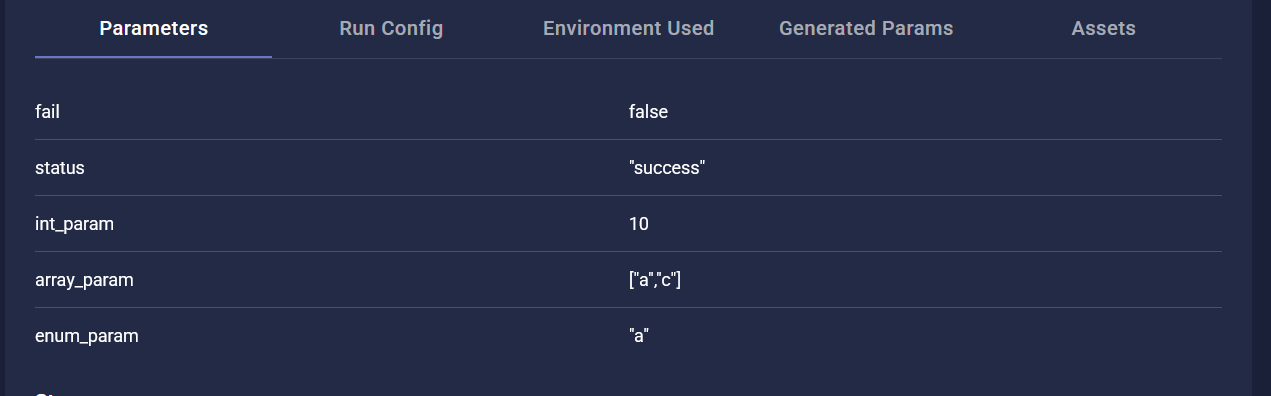
Iteration parameters are shown in the report under the “Parameters” tab.
Auto-Generated Iterations
Use @params_product to create combinations automatically:
@params_product(
    iteration_name="{client_type} client with {account_type} account",
    account_type=["live", "demo"],
    client_type=["Individual", "Corporate"]
)
async def test_example(self, client_type: str, account_type: str):
    pass
Inheritance
FireFly supports class inheritance (including multiple inheritance), which is useful for sharing setup/teardown logic.
class MyServiceBaseTest(TestAbs):
    def __init__(self):
        self.example_resource: str | None = None

    async def setup(self, **test_params):
        self.example_resource = "test"

    async def teardown(self, **test_params):
        self.example_resource = None

class Test1(MyServiceBaseTest):
    @params([dict(iteration_name="First iteration")])
    async def test_example(self):
        print(self.example_resource)
All stages from base classes are executed in reverse MRO order.
Descriptions
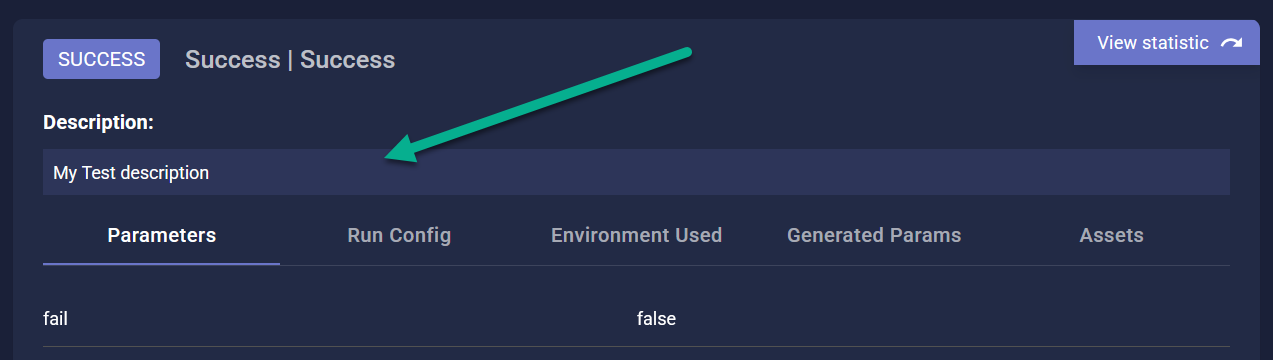
Add a docstring inside test methods to make them easier to understand in reports:
@params([dict(iteration_name="First")])
async def test_success(self):
    """
    This test verifies user login with valid credentials.
    """
    pass
Steps
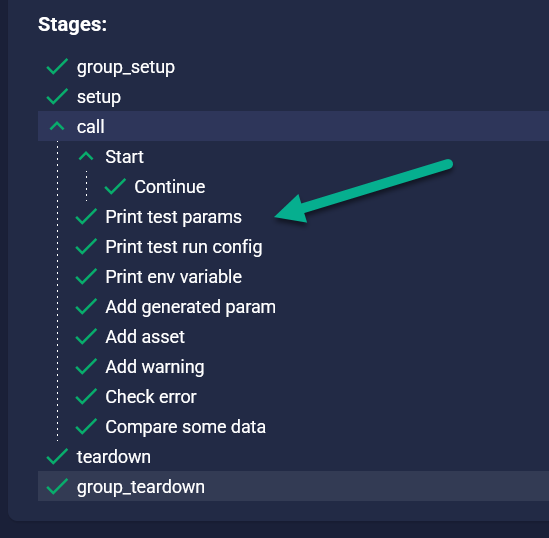
Use step() to structure your test and make the report more informative.
@params([dict(iteration_name="First")])
async def test_success(self):
    async with step("Start"):
        async with step("Continue"):
            pass
Steps can be nested and used in any test stage or method.
RunConfig
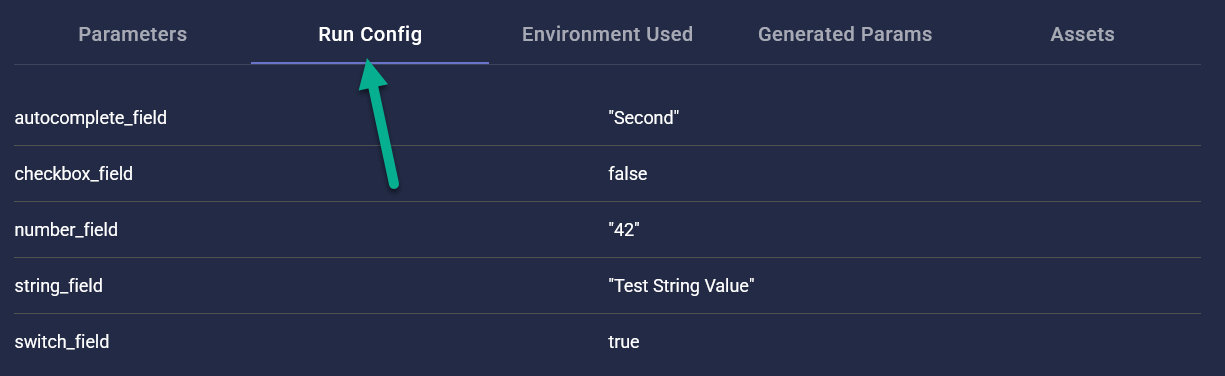
Tests can expose custom configuration through RunConfig class:
@register()
class RunConfigExample(TestAbs):
    class RunConfig:
        string_field = StringField(label="Some String")
        number_field = NumberField(label="Some Number")
        switch_field = SwitchFiled(label="Some Switch")
        checkbox_field = CheckboxFiled(label="Some Checkbox")
        autocomplete_field = AutocompleteFiled(
            label="Choose Option", options=["First", "Second", "Third"]
        )

    @params([dict(iteration_name="With config")])
    async def test_success(self):
        print(self.RunConfig.string_field.value)
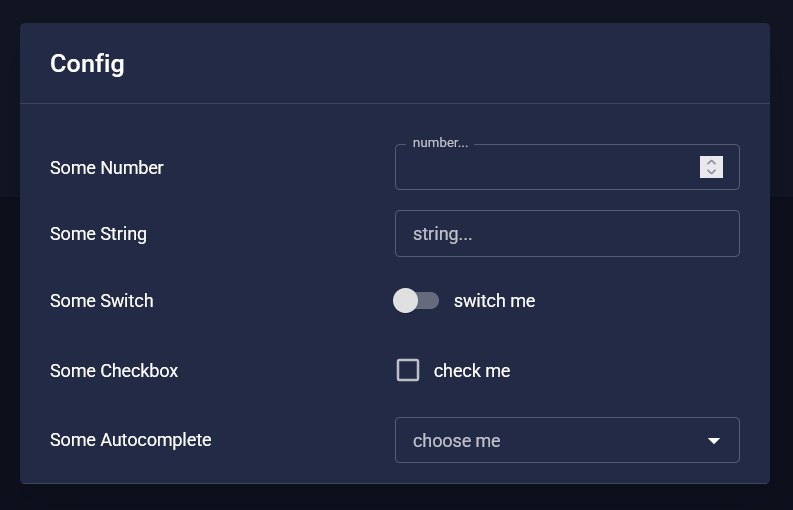
All values are recorded in the report for reproducibility.
Environment Variables
You can access environment variables using the env object:
async with step("Print env variable"):
    print(env.application_url)
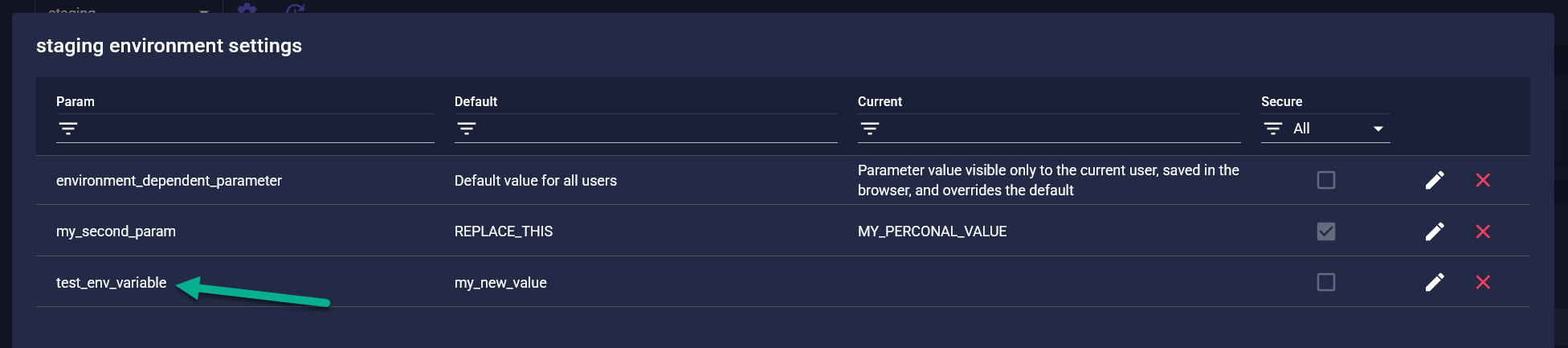
All used variables are saved in the report under Environment Used tab.

Assets
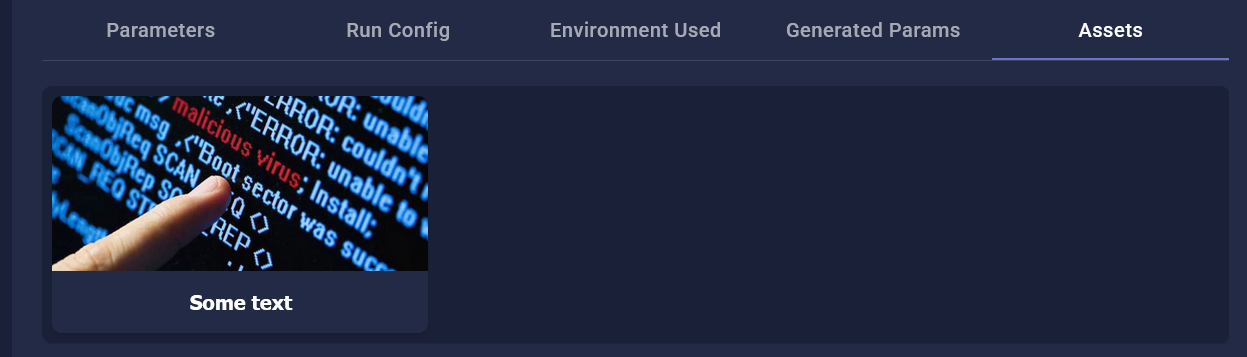
Save files (logs, screenshots, etc.) into reports via AssetsHelper.
@register()
class AssetHelperExample:
    assets_helper: Optional[AssetsHelper] = None

    @classmethod
    async def group_setup(cls):
        cls.assets_helper = AssetsHelper()

    @params([dict(iteration_name="Attach file")])
    async def test_success(self):
        await self.assets_helper.add_text("log.txt", b"Some log")

    @classmethod
    async def group_teardown(cls):
        await cls.assets_helper.close_connection()
Generated Parameters
To make dynamic data visible in reports, use add_info_to_test_generated_params():
add_info_to_test_generated_params("random_email", f"user_{randint(100)}@mail.com")

Warnings
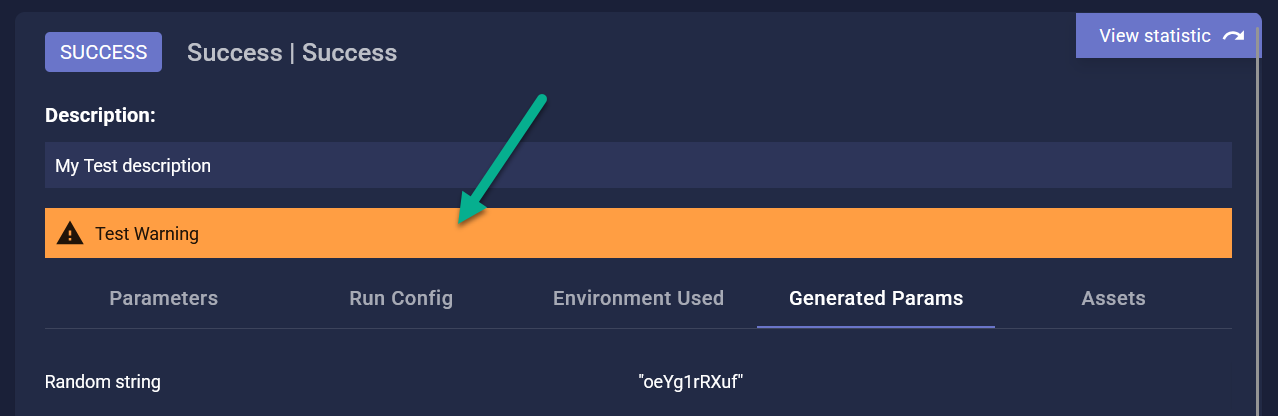
If something goes wrong, but the test shouldn’t fail — add a warning:
add_warning_to_test("Service responded with error on first attempt")
Errors
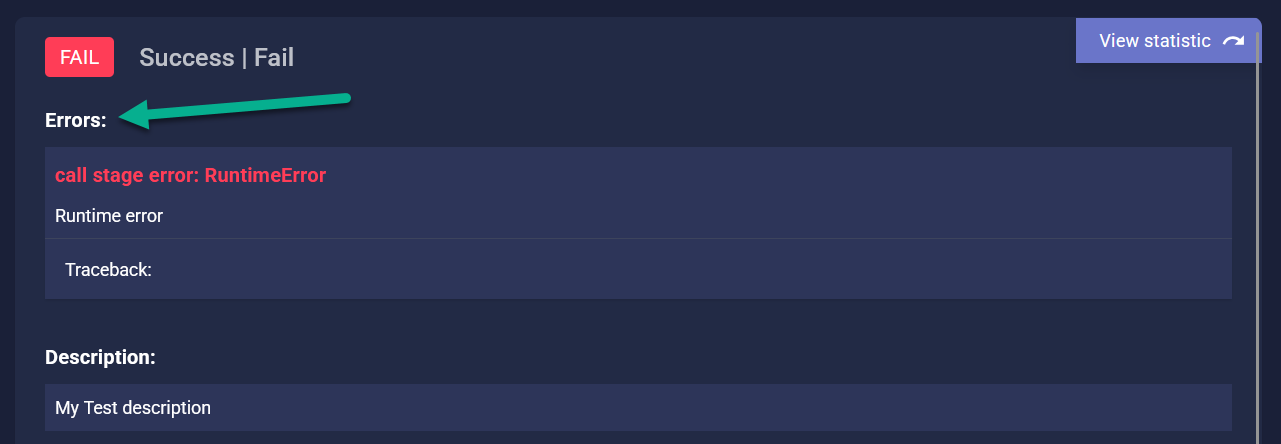
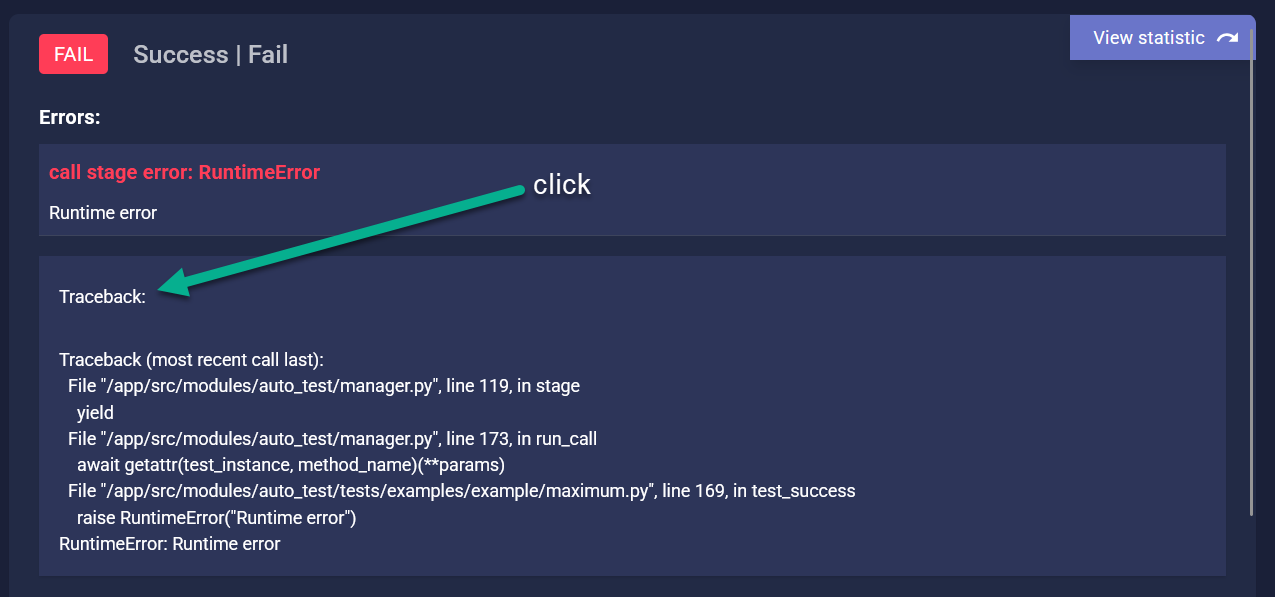
Unhandled exceptions in tests are captured and shown in the report, with full traceback.
Comparisons
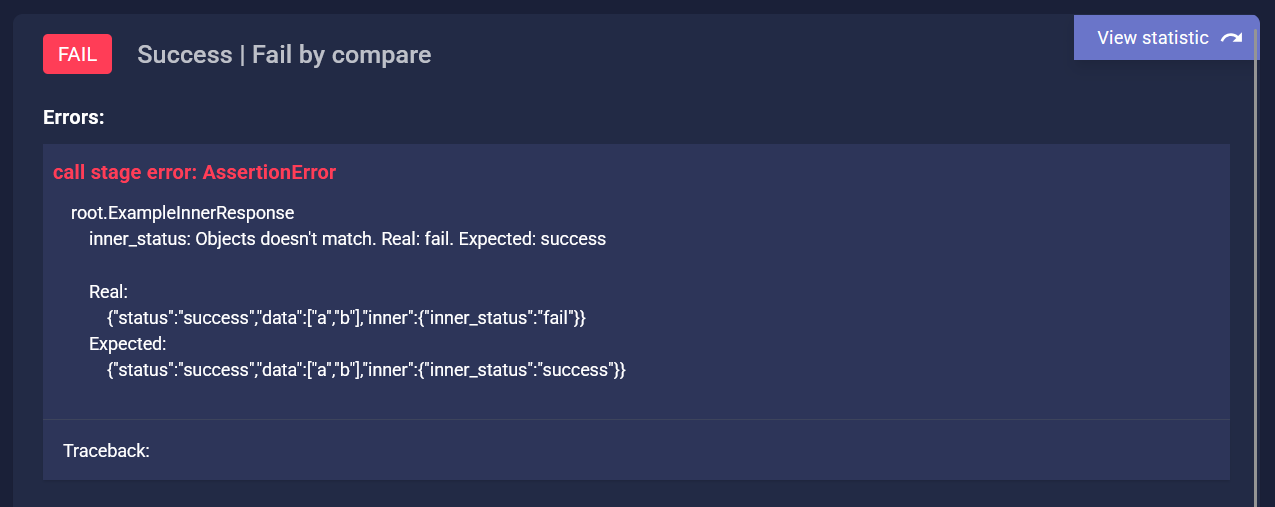
FireFly provides helper methods based on Pydantic:
compare_pydantic_models(real=actual, expected=expected)
It highlights differences in the report.
Other helpers include:
ApproximatelyEqual,ApproximatelyDateEqualFromProtobufModelBCryptPasswordEqualall_optionalCamelCaseModel,PascalCaseModeletc…
⚙️ Script Runner Features
Dynamic Parameters
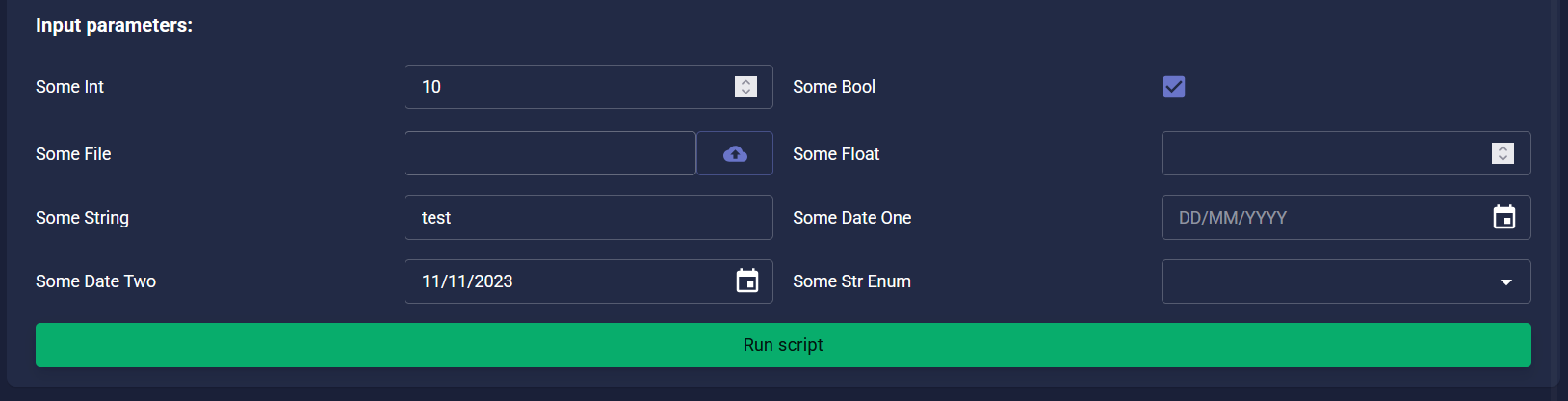
Use type annotations to declare script parameters:
from enum import StrEnum
from src.modules.script_runner.register import register

class MyEnum(StrEnum):
    a = "a"
    b = "b"

@register
async def my_script(
    some_float: float,
    some_str_enum: MyEnum,
    some_date_one: date,
    some_file: BytesIO,
    some_date_two: pendulum.Date = pendulum.Date(year=2023, month=11, day=11),
    some_string: str = "test",
    some_int: int = 10,
    some_bool: bool = True,
):
    pass
Required in UI if no default is provided.
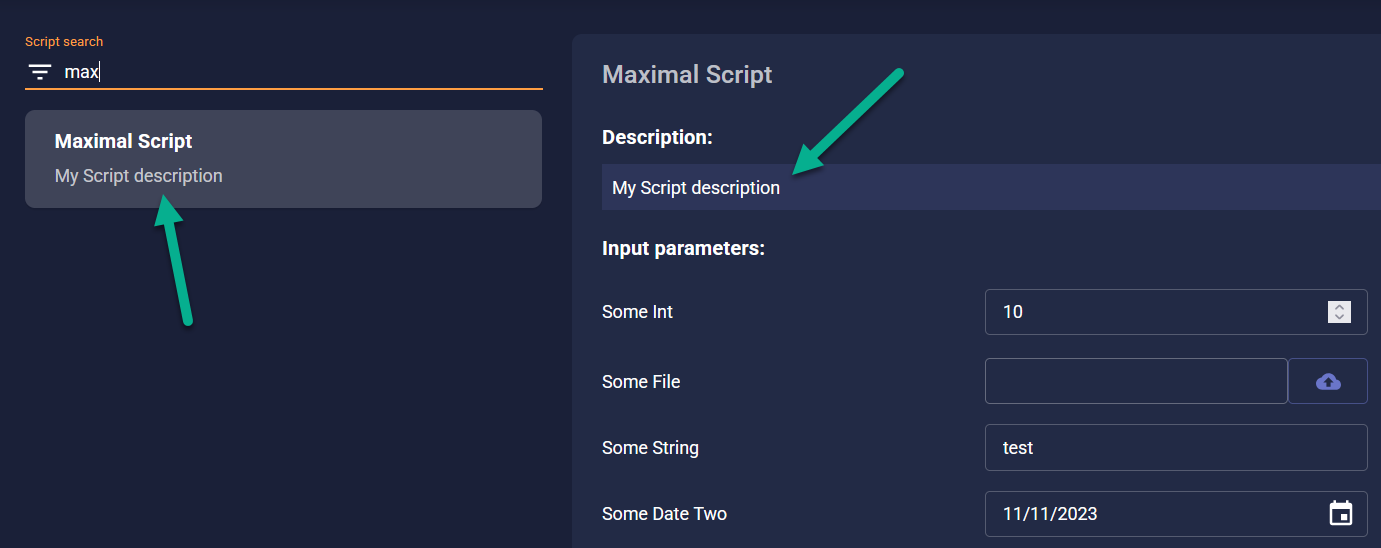
Description
Add a docstring to explain the script’s behavior:
@register
async def my_script():
    """
    Cleans up unused client records in test DB.
    """
Logging
Use log() to track progress inside scripts:
@register
async def example():
    for i in range(3):
        await log(f"Step {i}")
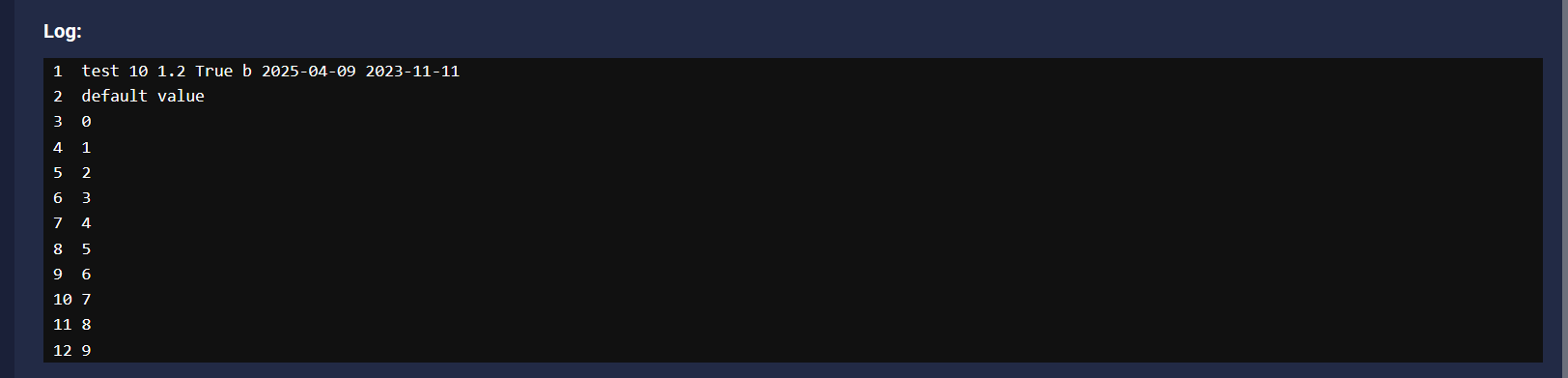
If called inside step(), logs for entering/exiting each step will appear automatically.
Smart Result Formatting
FireFly auto-formats results:
Type |
UI Display |
|---|---|
|
Two-column table |
List of dicts/models |
Multi-row table with headers |
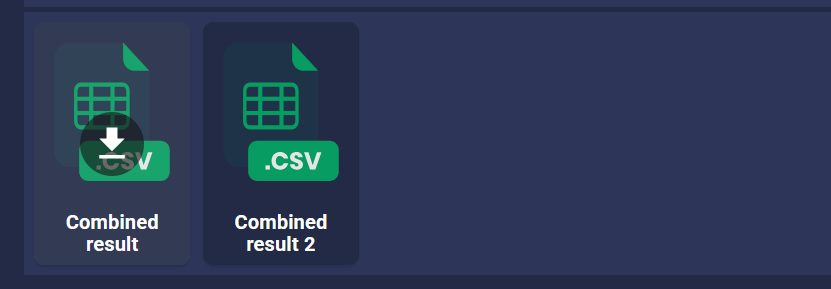
FileResult/List of FileResult |
File response |
Other |
Stringified output |


Environment Variables
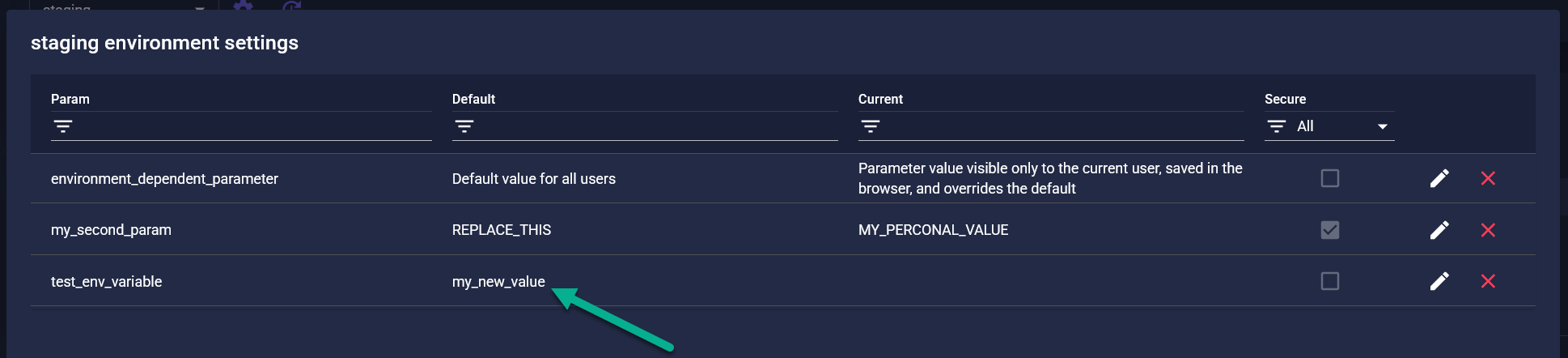
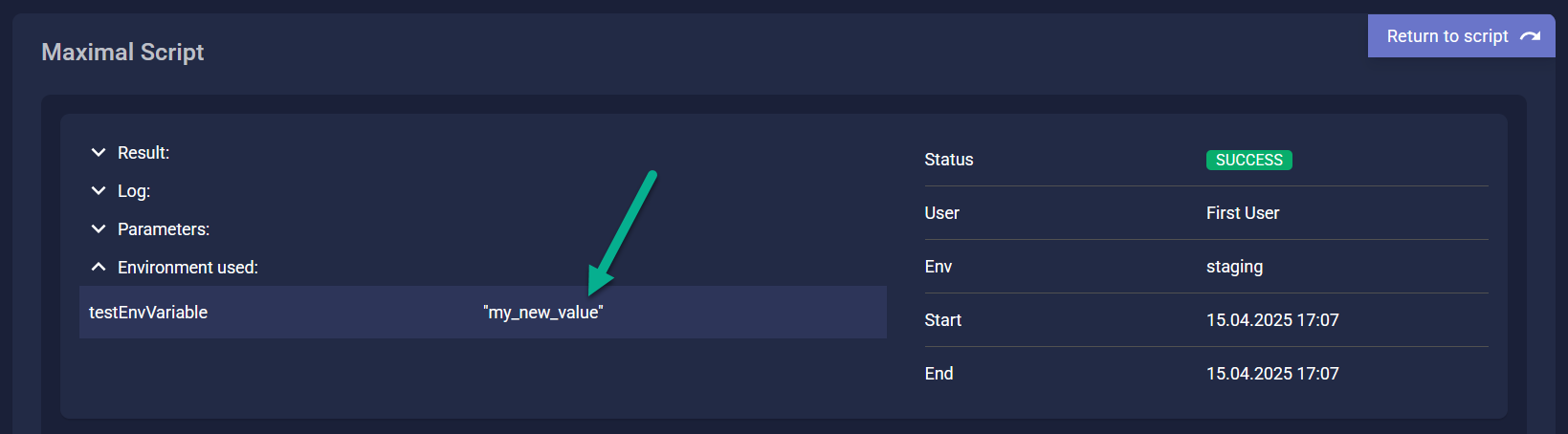
Access them just like in autotests:
await log(env.db_password)
All variables used are shown in report + history.

Error Handling
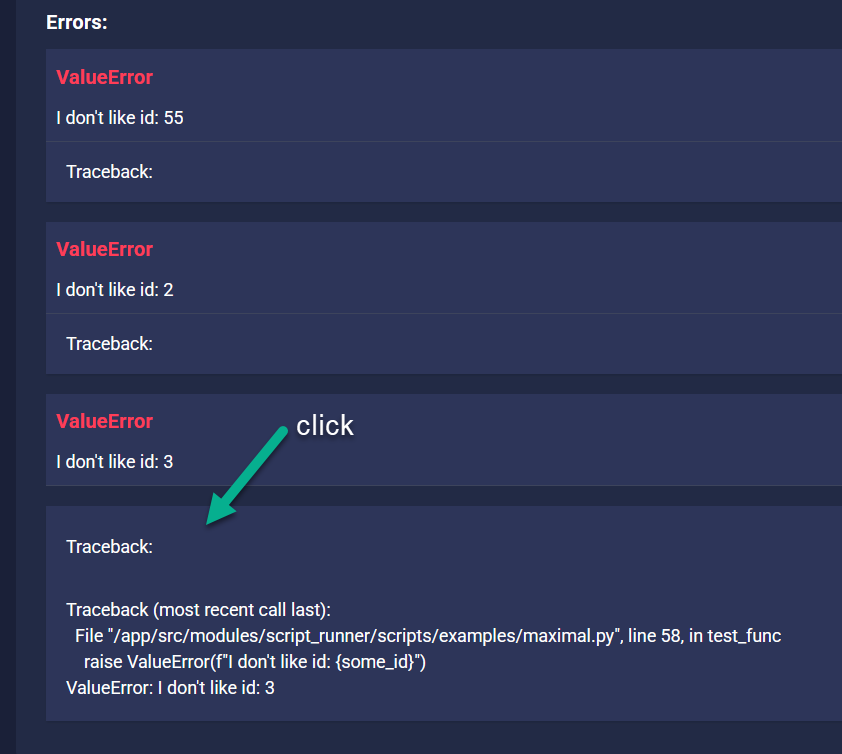
Uncaught exceptions are recorded. If using ExceptionGroup, all grouped exceptions will be shown separately in the report.
Class-Based Scripts
Scripts can also be written as classes:
@register
class ThirdScript(ScriptClassAbs):
    def __init__(self):
        self.counter = 0

    async def run(self, value: str):
        await log(value)
        for i in range(5):
            self.counter += 1
            await log(self.counter)
Must inherit from
ScriptClassAbsMust define
run()as async method
All script features work the same way.